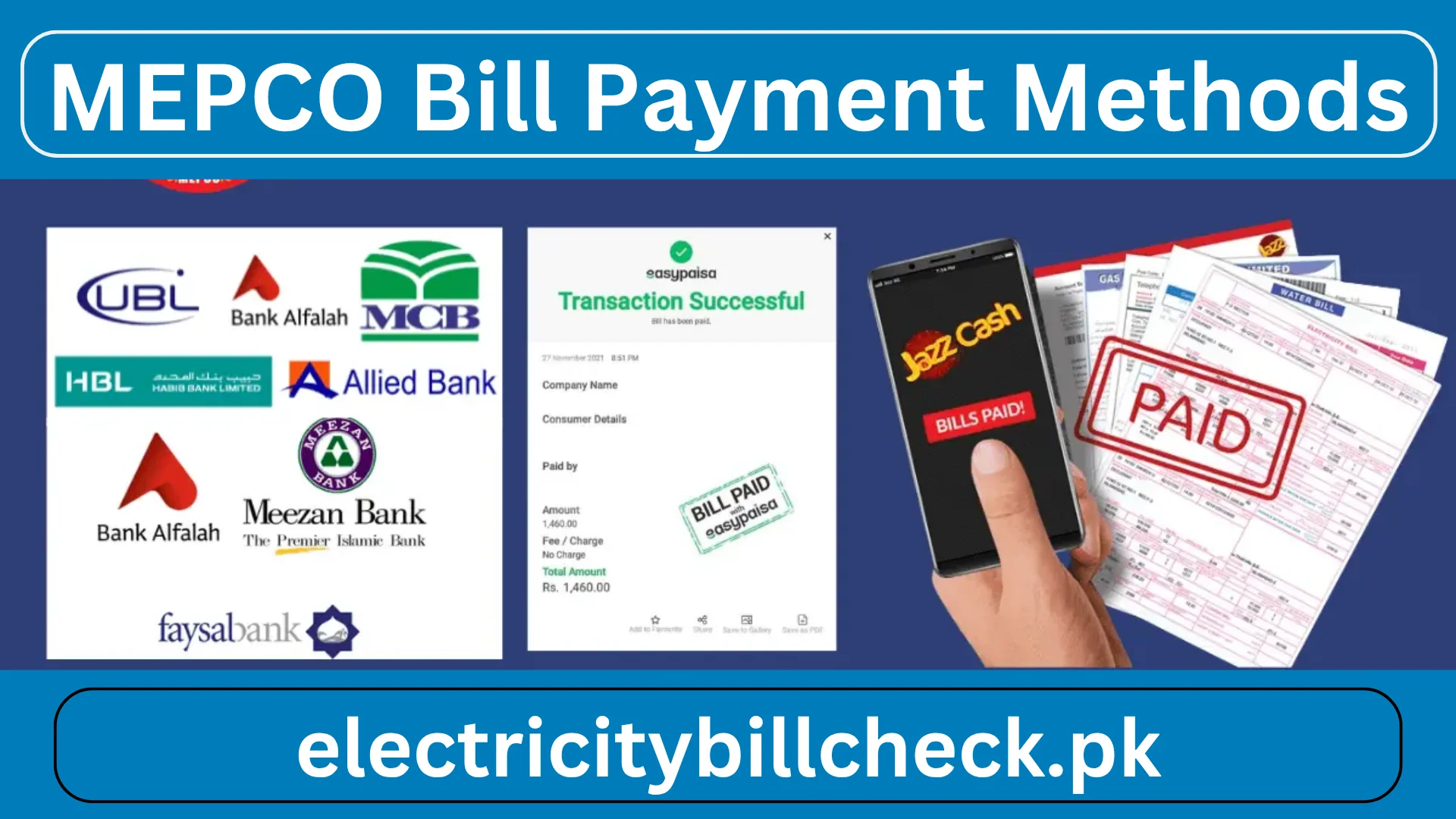
MEPCO Bill Payment Methods
Paying your MEPCO bill is easier and more flexible than ever due to several modern and traditional systems for payment. It is MEPCO (Multan Electric Power Company) that plays the main role in distributing electricity to millions of consumers in southern Punjab. Over time, MEPCO has introduced modernization to its billing and payment systems so that customers can easily manage their bills. Whether you need to pay bills for residential, commercial, or industrial purposes, MEPCO has made available various online bill payment methods as per your requirements.
Mepco bill payment methods are very easy, for example, through the nearest bank, through an application of online payment by a dedicated mobile app, or through internet banking. In the bills payment section, it serves to both traditional and modern methods of transaction for every customer who wishes to pay their bill via the multiple range of bill pay and bill payment solutions that it provides. MEPCO makes everything user-friendly yet secure, whether you want to pay in person at a bank or post office, or prefer fast and easy bill uses, such as online bill payment and bill payment through mobile apps and internet banking. The changing methods of payment allow verifying your bill amount, due dates, as well as finishing the electricity pay bill online transaction at home or in the office through avenues like JazzCash, Easypaisa, NayaPay, SadaPay, and major bank apps.
How to Check Your MEPCO Bill Online
When you decide to go for an online bill payment, it is appropriate to confirm the amount as well as the due date. The checking services offered in an easy and accessible manner are as follows:
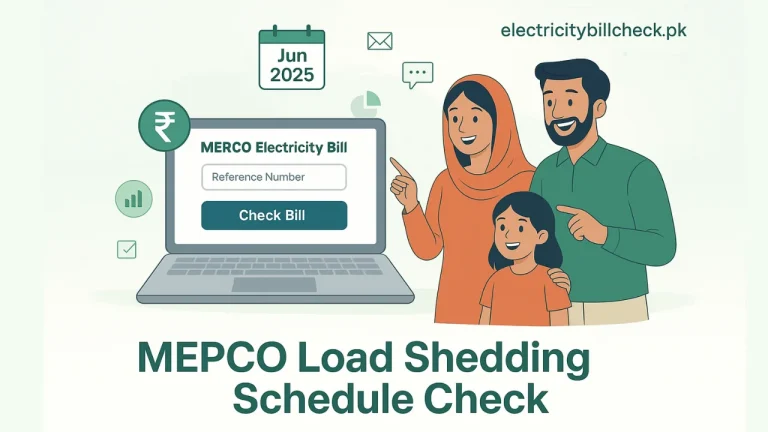
Official MEPCO Website: Enter the 14-character reference number to view, download, and print your latest invoice. This is the most comprehensive source of current billing information.
Third-party bill checker sites: Check or obtain duplicate bills through some websites and apps, which might help you if there is a loss of the original bill.
Mobile Banking Apps: Enter the reference number, and many bank and wallet apps automatically pull your current details for easy access.
SMS Alerts: Subscribe to some platforms for SMS alerts for fresh bill notifications and deadline dates.
Always double-check to ensure you’re viewing the correct one, and keep a digital or printed copy for your records.
Bank Mobile Apps Paying MEPCO Bill
MEPCO Bill Payment online are available through mobile applications and internet banking of almost all major banks operating in Pakistan. Here is how to pay via the bank app:
Login: Start your bank’s mobile app (e.g., HBL, UBL, MCB, Bank Alfalah, Standard Chartered, etc.).
Locate Bill Payments: Check for the “Utility Bills” or “Bill Payment” section.
Select Electricity & MEPCO: You have to choose “MEPCO Bill Payment” and then select “MEPCO” from the list of billers.
Input Reference Number: Now input your 14-digit bill reference number, which is unique to your electricity connection.
Review Bill Detail: The app will now fetch your bill details such as amount, due date, and customer authentication.
Authorize Payment: Validate the payment with your app PIN, password, or biometric verification.
Receive Confirmation: An instant notification or SMS will confirm your transaction.
MEPCO Bill Payment Through JazzCash App
Download & Login: Get the JazzCash app from your app store and log in with your mobile number.
Select Bill Payment: Tap on “MEPCO Bill Payment,” then choose “Electricity.”
Choose MEPCO: Select MEPCO from the list of electricity providers.
Enter Reference Number: On the input page, enter your 14-digit reference number, or scan the barcode on your bill to enter quickly.
Verify Details: The app will preview your bill amount, due date, and customer name towards the confirmation.
Pay: Finalize the transaction with JazzCash PIN.
Get Receipt: The receipt will be an instant digital one that may be saved or shared.
JazzCash works day and night, allowing for multiple accounts and usually giving cashback on payments.
Paying the MEPCO Bill through Easypaisa
Easypaisa is another favorite mobile wallet.
Install & Register: Download the Easypaisa app, register your account, and log in using the PIN.
Go to Bill Payments: Hit Pay Bills, then select Electricity.
Select MEPCO: Find MEPCO in the list.
Enter Reference Number or Scan Barcode: Enter your 14-digit reference number or scan the bill’s barcode for quicker entry.
Review and Confirm: Continue after checking the details (amount, due date, customer name).
Enter your PIN to perform the transaction.
Service Charges: Easypaisa charges a nominal fee against more than ten bills per month; otherwise, most transactions are free. Get instant acknowledgment of payments.
Easypaisa also brings a history of it as well as reminders for upcoming bills, so you will never miss a due date.
MEPCO Bill Payment via NayaPay & SadaPay
NayaPay:
- Login: Open the NayaPay app and log in.
- Bill Payments: Select “Bill Payments,” then choose MEPCO.
- Reference Number: Enter your 14-digit reference number.
- Verify & Pay: Check the bill details and confirm payment with your app PIN or OTP.
- Instant Confirmation: Receive a digital receipt for your transaction.
SadaPay:
- Open App: Open the SadaPay app.
- Go to Payments: Click “Payments,” then “Bill & Utilities.”
- Select MEPCO: Select MEPCO from the display list.
- Enter Reference Number: You can copy your bill’s 14-digit reference number.
- Review & Pay: Authenticate details. Proceed with this using your PIN or fingerprint.
- Receipt: Instant confirmation and a digital receipt for future reference.
- Best apps for user-friendly, secure transactions, and, most importantly, alternatives to traditional banking channels.
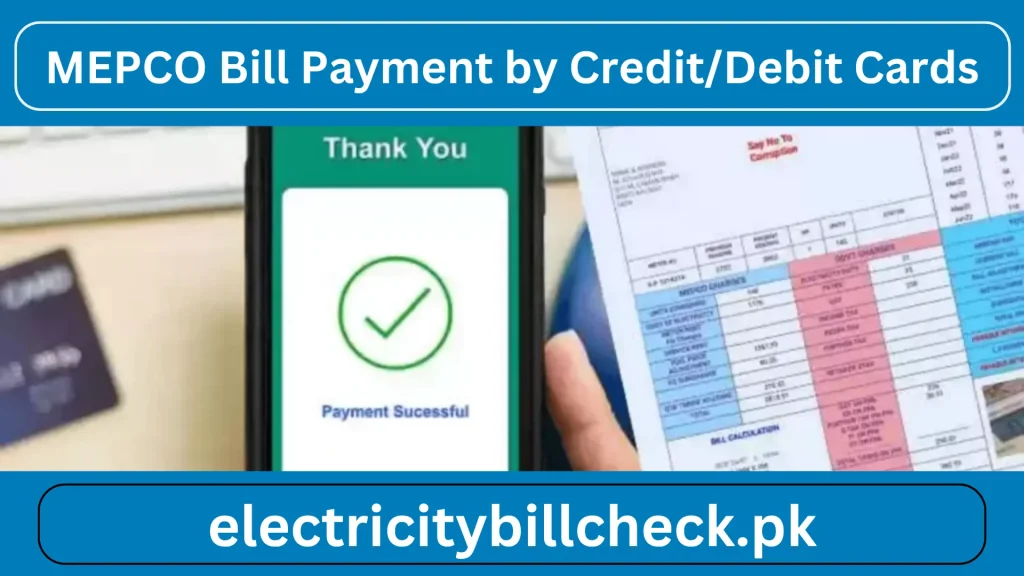
MEPCO Bill Payment by Credit/Debit Cards
Banks and even digital wallets allow paying bills online using credit and debit cards:
Bank Websites/Apps: For example, if it is selected as the kind of biller, then the payment method would be a card. It requires the input of the card details, OTP, or biometric verification, and the final confirmation.
Wallet Apps: Some wallets provide the provision to link a debit or credit card to make a direct payment instead of requiring the wallet balance, which allows easier payment when the wallet balance is low.
Safety: All these payments are secured by encryption and 2FA from unauthorized touches.
Using cards for online bill payment is quite convenient for those who do not plan to maintain huge wallet balances or want to earn points with cards on utility payments.
Benefits of Paying MEPCO Bills Online
The bill payment online platform signifies a transformational change in how consumers manage their electricity bills. It creates a great deal of convenience and efficiency, making online bill payments a revolutionary concept.
One of the most prominent advantages is the time-saving it saves. Paying it online saves traveling to physical payment centers and queuing in lines that are usually long, particularly at peak hours and during bad weather. With a few clicks from the comfort of home, workplace, or even while on the move, one can settle debts. The other big benefit is that bills can be paid day or night, every day of the week. Unlike the traditional payment center, which has very finite hours of operation, online platforms and mobile wallet services can be utilized at any time, even late at night, over the weekend, and throughout public holidays. No one will ever miss due dates for payment. Online systems give you immediate confirmation of your transaction.
MEPCO Bill Payment Confirmation Procedure
When you’ve made a bill payment either over the internet or at the physical location, you need to confirm your payment:
SMS Confirmation: Most banks and wallets usually send an SMS or app notification once the payment is processed.
App Notification: Check your transaction details in the mobile banking or your wallet app.
Official Helpline: For verification, call the helpline or visit the official website to check the latest status.
Income receipts: Save digital or paper receipts as proof that payment was made.
MEPCO Bill Installments Flexible Payment Solutions
Entitlement: All eligible consumers are entitled to apply for installment plans, especially after the sudden increase in fuel or energy prices.
Application Process:
- Visit the closest Subdivision Office or call the helpline.
- Write an application or request to the SDO (Sub Divisional Officer).
- A copy of the CNIC is attached, as well as the latest bill.
- The officer reviews the application and, if allowed, divides the total amount due into 2-4 payment installments.
- Where to Pay: Installment can exclusively be done at the designated banks and post offices other payment methods, such as online, do not include installment payment.
- Important Tips: Pay all installments on or before the due date to avoid late fees or service interruption, and save all your installments.
Traditional Bill Payment Methods
The utility sector in Pakistan has rapidly transformed digitally even today, consumers still prefer the traditional methods of payment for bills. This is perhaps because they are used to it, find it easier, and most importantly, feel secure. These classic ways of paying bills are popularly used among older generations and citizens who have no access to smartphones or a service of the Internet.
The most common traditional form is going to bank branches. Most of the public and private banks in Pakistan, including HBL, UBL, MCB, ABL, Bank Alfalah, and many others, accept bills at their counters. It’s as simple as going to the bank, getting your physical electricity, handing it over to the cashier, and paying your dues either through cash or cheque. The bill is stamped, and an official receipt is given to the customer as proof of it.
Another popular alternative is to pay through Pakistan Post offices. Among the strengths of service outlets available to the patrons in urban and rural areas, Pakistan Post services have proven convenient for such users who reside in areas where bank branches are not easily accessible.
Conclusion
Paying your electricity bill for MEPCO has never been this easy and accessible. Be it the traditional, time-tested payment methods like bank branches and post offices or the modern and swift method of bill payment online through mobile wallets and banking apps, It offers a options to deal to every consumer’s needs. The benefits of online platforms include being available 24/7 with confirmation given in real-time and keeping digital records of payments, thereby making paying bills online for electricity choice for many.
FAQs