How To Check MEPCO Bill without Reference Number
Managing electricity bills for service and effective financial planning is essential for consumers. The Multan Electric Power Company (MEPCO) serves millions of consumers who traditionally check their bills using the reference number. Losing the reference number is quite common. Most people tend to lose their electricity bills or forget the reference number, which is a common occurrence with multiple connections or a recent change of residence. Missing the bill often leads to delayed payments, service interruptions, and unnecessary worry. It’s beneficial for a consumer to know how to check the MEPCO Bill without Reference Number so that he/she can keep track of dues, monitor electricity usage, and be disciplined about finances. This MEPCO reference number is a unique 14-digit code that is printed on each bill primarily used for online inquiries, payments, and complaint registration. It links your electricity connection to your billing account. The dependence on this number can be irritating if lost or misplaced. MEPCO has identified this issue and is coming up with alternate methods for accessing MEPCO without reference number bill checking, that is customer ID, meter number or through digital platforms.
Verify MEPCO Bill without Reference Number through SMS Service
The SMS service provides easy access to the quickest way to achieve. Follow these steps to use it:
- Open the SMS application on your phone.
- Send a message in this format:
- MEPB (space) STMT NO (space) METER NO (space) DATE OF METER READING
- Send this to the number 46040.
Within a few moments, you will receive a response containing the current billing details without a reference number. This service comes in handy for those in rural areas and people with no access to the Internet at all. SMS reply normally contains the bill amount, due date, and in some cases, the payment status too. Making sure you have the correct statement and meter numbers, which can be found on your meter or in previous bills, is crucial. If you still face issues check the format once again or call MEPCO support for guidance.
Using the Meter Number to Get the MEPCO Bill Without the Reference Number
Your connection is given a meter number attached to it. There could be other methods when checking the bill through the meter number:
- Visit the official website of MEPCO and contact the bill inquiry section.
- Fill in your meter number and the last meter reading date if required.
- Submit the form so you can view your MEPCO Bill without a Reference Number.
This method is highly valuable to an individual who is a new tenant or purchases the property, or falls under the category of a person having access to a meter but not the bill. The system matches your meter number to the database of bills and offers instant access to details about your bill. But in case you face trouble, always ensure that the meter number has been properly entered because even a single digit error could end up giving you wrong results.
Without Reference Number Using Customer ID to Access the MEPCO Bill
Customer ID (or otherwise consumer ID) is a 10-digit number unique to your connection, appearing under your connection date on your billing document. It is unchanged despite any changes that could happen to your reference number as a result of administrative changes or the replacement of the meter.
- Acquire your customer ID either from a past bill or by contacting MEPCO.
- Access the online bill portal for MEPCO and select search by means of customer or consumer ID.
- Enter the ID to access your billing history without a reference number.
This option is the most secure and reliable since it is well-suited for a customer who probably monitors electricity usage frequently or who manages multiple accounts. It also allows an individual to view past bills, payment history, and outstanding dues, thus providing a full overview of one’s account.
Create and Manage MEPCO Online Account
Registering for an account is a simple tool to help you with your bill. Register at the official website of it using an email and a password. Subject added customer ID, meter number, and address to your connections. The account dashboard displays your current bill, payment status, and billing history without a reference number.
Receiving MEPCO Bills via Email for Convenient Access
Acquiring a one-time registration with your email ID will open the doors to monthly bill notifications as well as digital copies of your bills. This service has several advantages, such as: In your inbox the summary of your bill and the due date for payment. Download a PDF copy of your bill for record-keeping or sharing. Access the bills with no reference number from any device, anywhere. This digitization is environmentally friendly and ensures you will have a backup even if the physical bill is lost besides that past bills can always be searched and retrieved for tax or accounting purposes.
Registering for MEPCO SMS Alerts for Up-to-date Information
An SMS alert service would keep you informed about fresh invoices, payment confirmations, and due dates.
How to Register:
- Link your mobile number to your account on the website or at any customer service center.
- Get monthly SMS alerts about your amount and due date after registration.
- This way, consumers can be proactive in receiving billing details without the need for reference numbers, therefore lessening the likelihood of missed payments or service interruptions. This would be very useful for busy professionals or frequent travelers.
Use Third-Party Websites and Mobile Applications to Check Your Bill
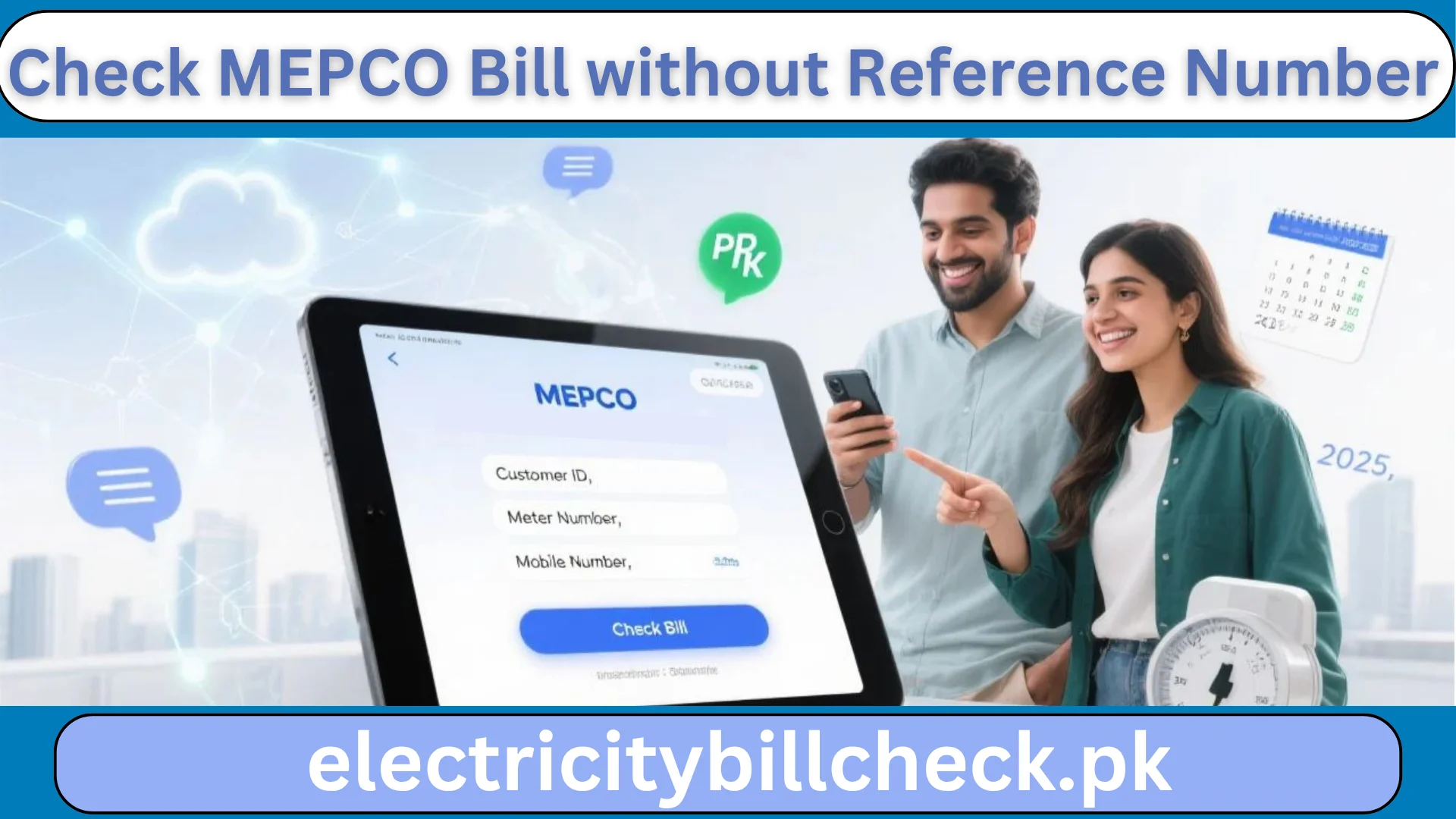
MEPCO Bill without a Reference Number of reputable sources are also available on third-party sites or mobile apps where users can check their thus providing an alternate option for checking the details through other identifiers. You can input customer ID, meter number, or registered mobile number. See your billing history without a reference number and download or print your bill. These platforms often provide additional features like bill reminders, payment options, and historical usage analysis. Always check the credibility of the platform to safeguard personal information and avoid scams.
Ways to Find Customer ID Without a Bill
If you are unable to access one, it is quite possible to get your age-old customer ID . The number is written on the physical meter. Contact your local office using your property address, and after verification, they can provide you with your customer ID. Ask the landlord, property manager, or the previous occupant about this information if you just moved in. Keeping a record of these numbers in a secure location ensures you can always access your MEPCO bill without a reference number, even in emergencies.

Common problems while fetching the bills of MEPCO
While these alternative methods are indeed very convenient, you can face the following hurdles with MEPCO Bill without a Reference Number:
- Validate your entries to avoid the error of the wrong meter or customer ID.
- Website not opening? Try again later or via SMS, or on third-party platforms.
- Delayed SMS response: Network issues can cause some delay, so resend your request if needed.
- Data privacy: Use only official or trusted platforms to safeguard your information.
If the mistakes still persist, then you can always contact the helpline of MEPCO Bill without a Reference Number to get your query solved at a customer service center. If you keep a record of your connection details, the problem can be resolved faster.
Conclusion
No other times seem so convenient like this one, thanks to the digital transformation of MEPCO Bill without a Reference Number. Now you can check your bill using SMS, by meter number, customer ID, or through your online account and third-party sites to get a credible view of your MEPCO bill with no reference number. These methods offer flexibility, comfort, and peace of mind, ensuring that one is never without billing information or away from being able to review their billing history at any given time without a reference number.